The software for your webshop

Snelstart

Boost Your Online Sales with 4Fill's Snelstart Commerce–Picqer Integration!

How does the SnelStart Picqer integration work?

Do you use SnelStart for accounting and Picqer for warehouse management? The SnelStart Picqer integration can connect information from both systems. Depending on your setup, it shares relevant logistics and administrative data without requiring your team to enter the same information twice.

Picqer supports daily warehouse tasks, while SnelStart supports your financial administration. Meanwhile, 4Fill handles the fulfilment work in the warehouse. Together, these services can create a clearer workflow from order processing to accounting.

Contact us

SnelStart Picqer integration for warehouse and accounting

Connect SnelStart and Picqer

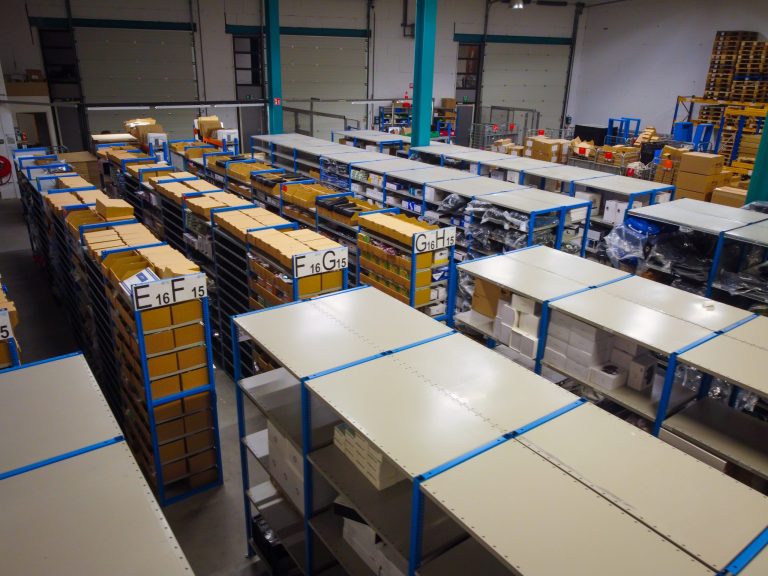
4Fill team handling webshop orders in the warehouse
  • Link logistics and administration

    Picqer helps our team manage warehouse operations, while SnelStart supports your accounting. First, you decide which information needs to move between the systems. Then the configured connection can share that data as part of your daily workflow.

  • Reduce manual data entry

    When the connection exchanges information automatically, your team does not need to copy every detail by hand. As a result, employees can spend less time on repeated entry and reduce the risk of typing mistakes.

Benefits of the SnelStart Picqer integration

Connecting warehouse software to your accounting system can help your logistics and administrative teams work with the information they need.

  1. Data exchange between systems

    The configured connection can share relevant information between Picqer and SnelStart. Therefore, your team may need to enter fewer details more than once.

  2. More efficient administration

    Your financial team can use relevant data from the logistics process in SnelStart. This can reduce the time they spend transferring and checking information.

  3. Fewer entry errors

    Automated exchange reduces repetitive manual steps. Consequently, it can lower the risk of typing errors and differences between your warehouse and accounting records.

  4. Clear roles for both systems

    Picqer manages warehouse tasks, while SnelStart supports accounting. The integration links the relevant information without requiring both systems to perform the same work.

  5. Room to grow

    As your order volume increases, an automated connection can help your administrative process keep pace without adding the same amount of manual work.

More control over logistics and accounting

  • Warehouse management with Picqer

    Picqer helps our team manage inventory, warehouse locations and orders. When 4Fill handles daily fulfilment tasks, the integration can share relevant information with your SnelStart administration according to your setup.

  • Accounting with SnelStart

    SnelStart supports your financial administration. By connecting it to Picqer, you can bring information from warehouse operations into your accounting workflow while each system keeps its own role.

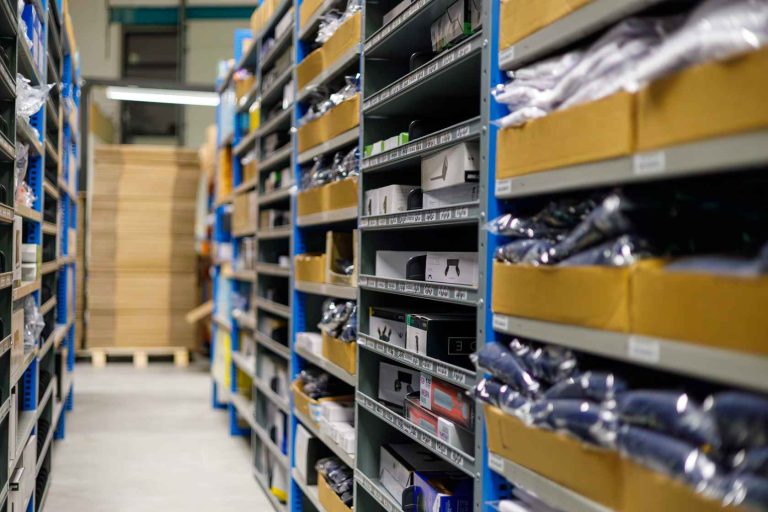
4Fill warehouse operations linked through the SnelStart Picqer integration

From order processing to financial administration

4Fill prepares webshop orders for shipment
  • One connected fulfilment workflow

    First, an order enters the warehouse process in Picqer. The 4Fill team then picks, packs and ships the products. Depending on the connection’s configuration, relevant information can also reach SnelStart for your administration.

    The SnelStart Picqer integration can reduce repeated entry and connect two parts of your business. Contact us to discuss which information your organisation needs to exchange and how the connection would fit your current systems.

    Discuss your SnelStart integration