The software for your webshop

Amazon

How does the Stockpilot Picqer integration work?

Do you sell through multiple webshops or marketplaces? The Stockpilot Picqer integration connects your sales channels to your warehouse workflow. Stockpilot sends orders to Picqer and shares stock and shipping updates with your connected channels. Meanwhile, 4Fill picks, packs and ships your orders.

As a result, your team spends less time moving information between systems. You can manage orders from several channels through one fulfilment process and expand that process as your business grows.

Contact us

Stockpilot Picqer integration for webshop and marketplace orders

Connect Stockpilot and Picqer

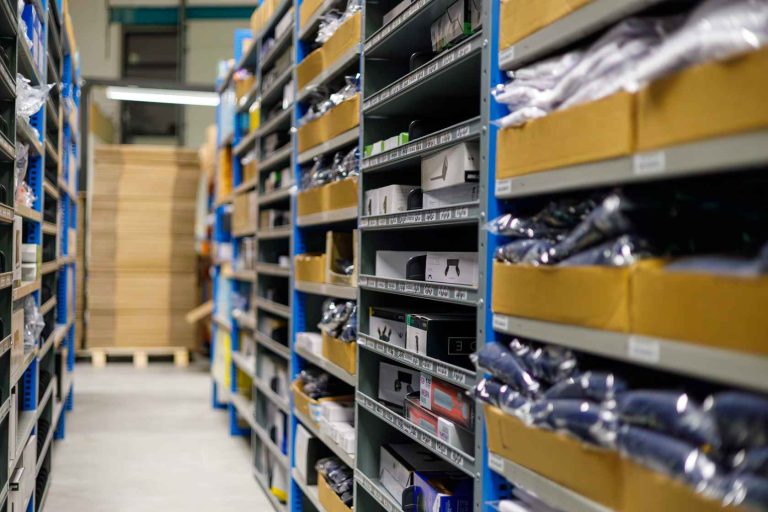
4Fill team processing webshop orders in the warehouse
  • Send orders to Picqer automatically

    When a customer places an order through a connected webshop or marketplace, Stockpilot sends the order information to Picqer. The 4Fill team can then pick, check, pack and ship the products. This saves your team from transferring the order details by hand.

  • Keep inventory in sync

    When stock levels change in Picqer, Stockpilot can share those changes with your connected sales channels. Consequently, your webshops and marketplaces have more consistent stock information, which helps reduce the risk of overselling.

Benefits of the Stockpilot Picqer integration

By connecting your sales channels to Picqer and 4Fill, you bring order processing, inventory updates and shipping information into one workflow.

  1. Automated order processing

    Stockpilot sends new orders from connected sales channels to Picqer. Therefore, our warehouse team can start processing orders without waiting for a manual import.

  2. Current inventory information

    Picqer records changes in warehouse stock. Stockpilot can then share those changes with connected webshops and marketplaces, so the channels show more accurate availability.

  3. Shipping and tracking updates

    After our team ships an order through Picqer, the connection can send shipping and tracking information back to the relevant sales channel.

  4. Multiple sales channels

    You can bring webshop and marketplace orders into the same warehouse workflow. As a result, your team does not need to manage a separate fulfilment process for every channel.

  5. Room to grow

    Automation reduces repetitive work. This makes it easier to handle more orders or add sales channels as your business grows.

More control over orders, inventory and shipping

  • Picqer as your central warehouse system

    Picqer supports inventory management, warehouse locations, order picking and shipping. Once Stockpilot sends an order to Picqer, 4Fill can process it within the same fulfilment environment as your other orders.

  • Connect webshops and marketplaces

    Stockpilot links your connected sales channels to the warehouse workflow. In addition to sending orders to Picqer, it can share stock changes and shipping information with those channels.

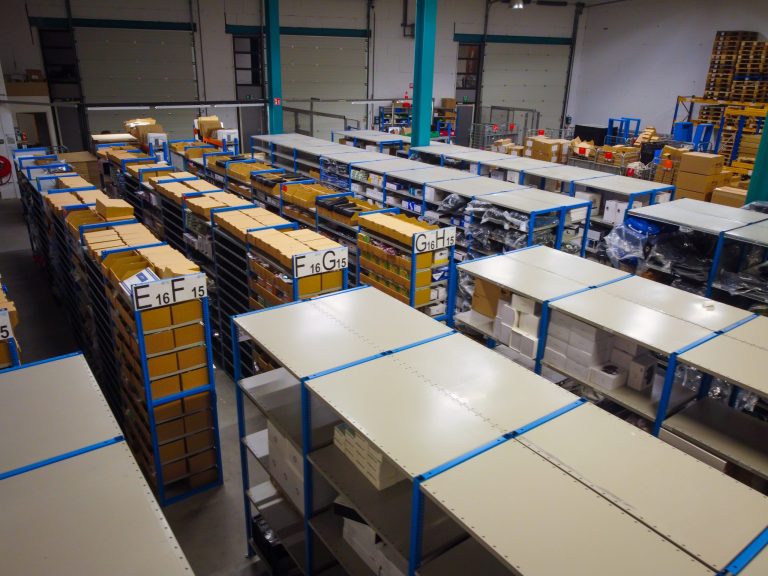
Warehouse where 4Fill handles orders through the Stockpilot Picqer integration

From sales channel to fulfilment and shipping

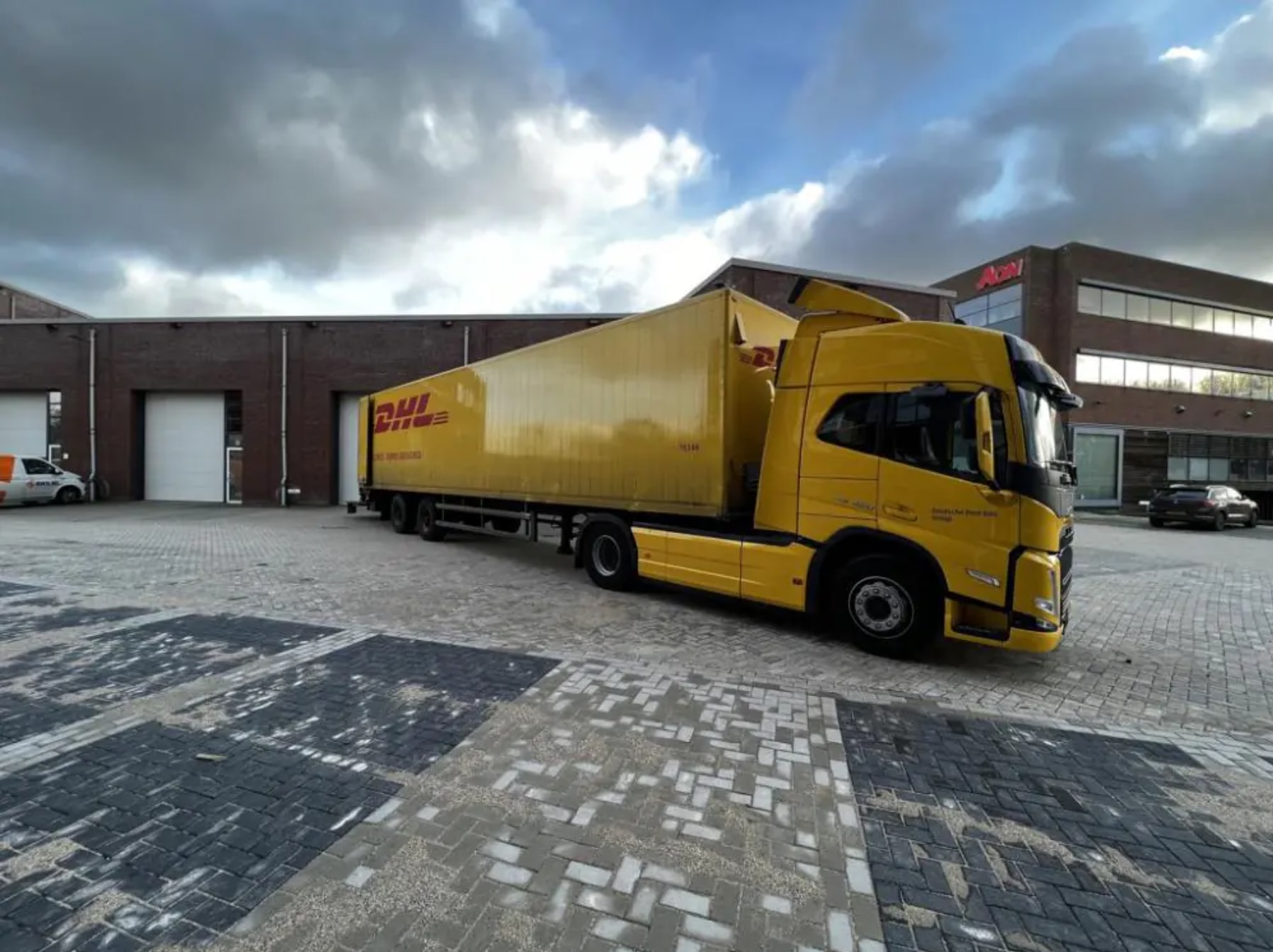
4Fill prepares webshop orders for shipment
  • One order flow across your channels

    First, a customer places an order through your webshop or marketplace. Stockpilot then passes the order to Picqer. Next, 4Fill picks, packs and ships the products. Finally, the connection can return shipping information to the original sales channel.

    With Picqer managing the warehouse process, Stockpilot connecting your sales channels and 4Fill handling fulfilment, you can bring several parts of your logistics together. Contact us to discuss how this setup could work with your existing systems.

    Discuss your Stockpilot integration